Video Dubbing for Creators: When It Is Worth Doing
A practical guide for deciding which creator videos to dub, which languages to choose, what to review, and how to measure the result.
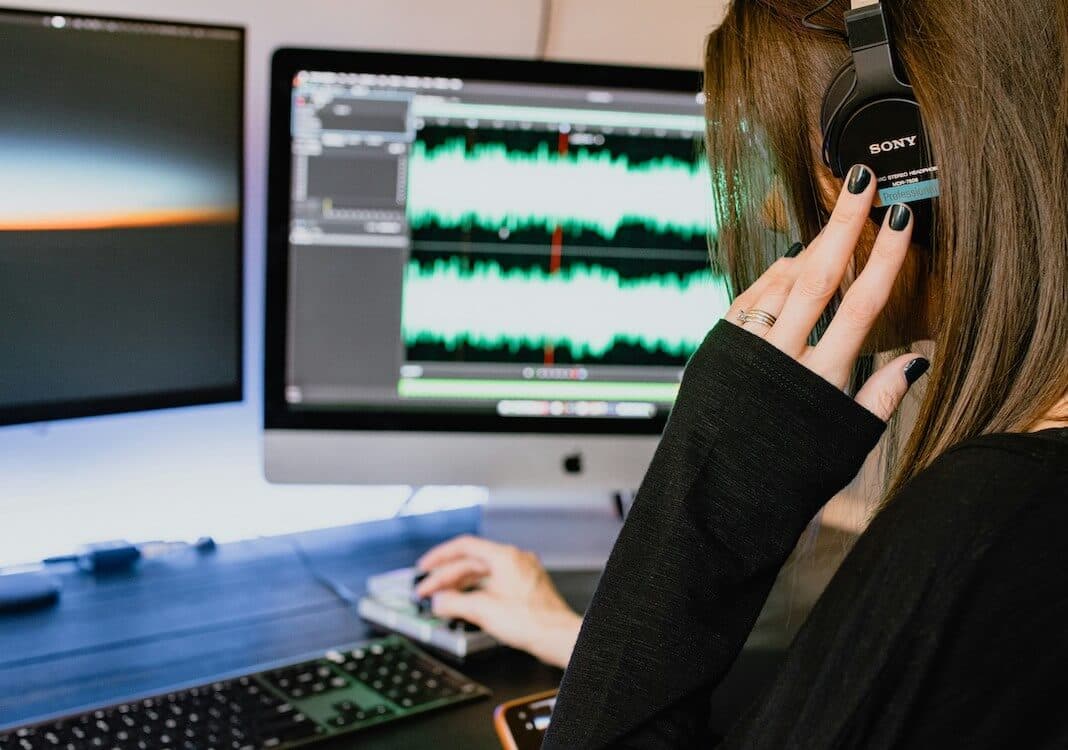
Dubbing can make a video easier to follow for people who do not speak the source language. It can also be expensive or time-consuming if every video is translated without a clear audience or publishing plan.
The useful question is whether a specific video, language, and audience justify the work.
When dubbing helps
Dubbing is a strong fit when viewers need to watch the screen closely:
- Tutorials
- Product demonstrations
- Software walkthroughs
- Course lessons
- Interviews
- Documentaries
- Training videos
- Creator videos with several speakers
Reading subtitles can divide attention between the text and the visual instruction. Dubbed audio lets the viewer keep watching the action.
When subtitles may be enough
Subtitles are often the better first step when:
- The budget is limited.
- The audience is still being tested.
- Exact wording matters more than vocal delivery.
- The video changes frequently.
- Viewers commonly watch without sound.
- The video has little spoken content.
Many creators should publish both. Dubbing handles the listening experience, while subtitles support accessibility, silent viewing, and exact text review. Compare the options in AI dubbing vs subtitles.
Choose videos with lasting value
Do not start by dubbing the newest upload simply because it is new. Start with videos that can keep earning views.
Good candidates include:
- Evergreen videos with steady traffic
- Videos that already convert viewers
- Lessons required by every student
- Help videos that reduce support work
- Popular videos with comments in another language
- Videos already watched in several countries
Avoid videos with expired offers, outdated interfaces, old pricing, or time-sensitive announcements.
Choose languages using evidence
Useful signals include:
- Viewer geography
- Comment language
- Subtitle language use
- Customer and student locations
- Sales or support requests
- Search demand
- Existing distribution partners
Start with one or two languages. Publishing ten lightly reviewed versions usually creates more maintenance than value.
For YouTube, the platform recommends building depth in one or two languages and using Analytics to review views and watch time by audio language. See YouTube's multi-language guidance.
Decide how the voice should work
Creators have three common choices.
Record a new performance
Use voice actors when acting quality, character work, or precise direction matters.
Clone the source voice
Voice cloning can keep the creator or guest recognizable across languages. It is useful for interviews, lessons, and personal channels.
Get permission from every person whose voice is cloned. Do not use a cloned voice to add an endorsement, claim, or opinion that the person did not approve. Use the voice-cloning consent checklist.
Use a different synthetic voice
A separate voice can be appropriate for narration where speaker identity is not important. Tell viewers what they are hearing when the context could be unclear.
Build a repeatable review process
Every dub should pass four reviews.
Language review
Check meaning, tone, grammar, names, and regional vocabulary.
Subject review
Check technical terms, product instructions, numbers, prices, and safety statements.
Audio review
Check voice assignment, volume, pronunciation, pacing, music, and cut-off lines.
Publishing review
Check subtitles, titles, descriptions, thumbnails, links, and disclosure settings.
Use the full AI video translation review checklist for higher-stakes projects.
Keep the source and translation aligned
Creators often update a source video, description, offer, or product link after the translated version is published.
Maintain a simple record:
- Source video
- Source version date
- Target language
- Reviewer
- Approval date
- Published URL
- Audio file
- Subtitle file
- Metadata file
When the source changes, decide whether each translation needs an update.
Measure whether the dub worked
Track results by language where the platform allows it.
Useful measures include:
- Views
- Watch time
- Audience retention
- Click-through rate
- Signups or sales
- Support tickets
- Comments about language quality
- Cost per completed video
Compare translated videos with similar source videos over a useful period. Do not judge the whole program from one upload.
A sensible first test
- Choose one evergreen video.
- Choose one language with clear audience evidence.
- Translate the transcript.
- Create the dub and subtitles.
- Ask a target-language reviewer to check it.
- Publish the translated audio and metadata.
- Monitor results.
- Improve the workflow before adding another language.
You can create a test with the Dub AI video translator. New accounts include enough free credits to test the first minute.
Questions to answer before dubbing
- Who is the target audience?
- Why was this language selected?
- Does the video still contain current information?
- Who will review the translation?
- Do we have permission for every voice?
- Does the platform support a separate audio track?
- Will subtitles be included?
- Who will update the translation when the source changes?
- Which result will determine whether we continue?
If those questions have clear answers, dubbing can become a useful part of a creator's publishing system. If they do not, start with subtitles or a smaller test.
- Authors

- Written by:
- Chao Wu
- Title
- Founder of Dub AI
Dub AI
Translate and dub videos easily using AI. Your first minute is free.
Start freeGet 60 credits free. Dub up to 1 minute. No credit card needed.